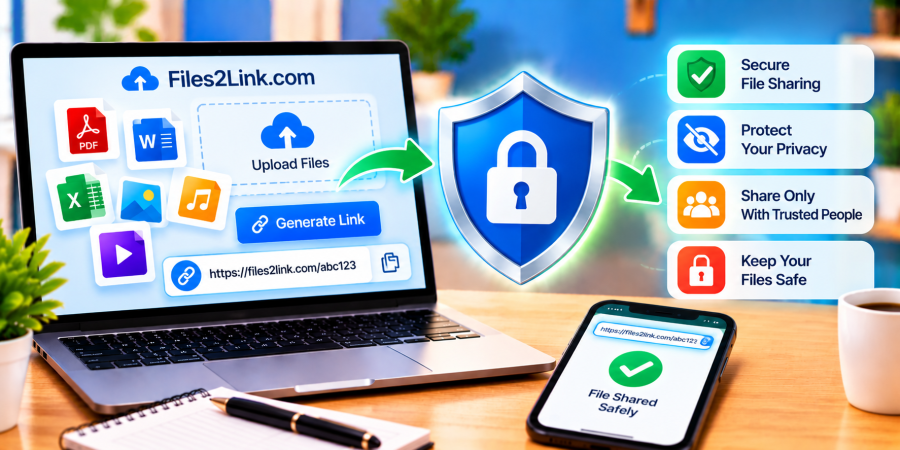
Are Online File-Sharing Tools Safe?
Oct 29, 2026 06:52 AM
Kaushik Sampat
Are Online File-Sharing Tools Safe?
Online file-sharing tools make it easy to send documents, photos, videos, and other files without email attachments. However, sharing files online can involve privacy and security risks if you choose an unsuitable service or share a link carelessly. Tools such as Files2Link.com can help you share files through links, but it is important to understand how to use any file-sharing service responsibly.
What Are Online File-Sharing Tools?
Online file-sharing tools let you upload files and share them with other people using a link. Instead of attaching a large file to an email, you can send the link through email, WhatsApp, or another messaging platform.
These tools are useful for sharing PDFs, spreadsheets, photographs, videos, audio recordings, and compressed ZIP archives. The available features, upload limits, and access options vary between services.
Are File-Sharing Tools Safe to Use?
They can be useful, but no service should automatically be considered completely safe. The level of protection depends on the service, its security practices, your device, the information you upload, and how you distribute the link.
A shared link may allow anyone who obtains it to access the file, depending on the service's settings. Some services offer additional controls, while others may provide fewer options. Check the available features before uploading confidential information.
6 Tips for Sharing Files Safely
1. Choose a Trustworthy Service
Use a service with clear privacy information and understandable terms. Before uploading sensitive files, review its privacy policy and learn how uploaded files are handled, stored, and deleted.
2. Check Your Files Before Uploading
Review documents, images, and recordings for personal information. Remove unnecessary details such as addresses, account numbers, confidential notes, or private information that recipients do not need.
3. Share Links Carefully
Send links only to the intended recipients. Double-check email addresses and messaging groups before sending. Avoid posting links publicly when the files contain private or confidential material.
4. Protect Sensitive Information
For highly confidential documents, use a sharing method with suitable access controls. If appropriate, encrypt sensitive files before uploading them. When sharing a password-protected ZIP archive, communicate its password through a separate trusted channel.
5. Keep Your Device Secure
Update your browser and operating system regularly. Use reputable security software, avoid suspicious downloads, and do not ignore security warnings when opening files from unfamiliar sources.
6. Delete Files When Appropriate
Check whether the service provides file deletion or link-removal options. Remove uploaded files when they are no longer needed, but remember that recipients may already have downloaded copies.
Is Files2Link.com Suitable for Sharing Files?
You can visit Files2Link.com and review its current upload process and available features. Before sharing sensitive information through any service, verify its privacy practices and confirm that its available controls meet your needs. Do not assume that every service offers password protection, link expiry, or restricted access.
Conclusion
Online file-sharing tools can make sending files faster and more convenient when used carefully. Choose a suitable service, check files before uploading, share links selectively, and protect confidential information. These simple precautions can help reduce privacy risks when sharing files online.
Login or create account to leave comments
Popular articles
How to Create a Shareable Link for Word Documents
Oct 27, 2026 07:48 AM
How to Choose the Right Online File-Sharing Tool
Oct 29, 2026 07:39 AM
Common File Formats Explained
Oct 29, 2026 07:34 AM
How to Convert Any File into a Shareable Link
Oct 27, 2026 05:31 AM
Direct Download Links vs. File-Sharing Links: What's the Dif...
Oct 27, 2026 07:21 AM
Categories
Comments (0)