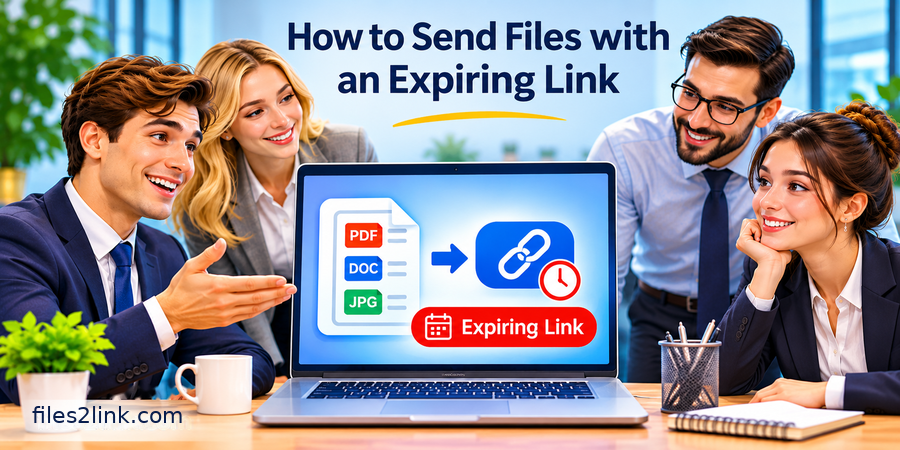
How to Send Files with an Expiring Link
Nov 03, 2026 01:59 AM
Kaushik Sampat
How to Send Files with an Expiring Link
Sharing files online is easy, but keeping control over who can access them and for how long is equally important. When you share a file through a permanent link, the recipient may continue accessing it long after the original purpose is over. This can create unnecessary privacy and security concerns.
An expiring file-sharing link provides a practical solution. It allows you to share documents, images, videos, and other files for a limited period. Once the selected expiry time is reached, the link stops providing access.
Whether you are sharing personal documents, business reports, project files, or large media files, temporary links can make file sharing more manageable.
What Is an Expiring File-Sharing Link?
An expiring link is a shareable URL that automatically becomes inactive after a specified date, time, or download limit, depending on the service.
For example, if you send a document to a client with a seven-day expiry period, the recipient can access it during those seven days. After that, the link becomes unavailable.
The original file may remain stored on the hosting platform. Expiring a link does not necessarily delete the uploaded file.
Why Should You Use Expiring Links?
Permanent links can remain accessible longer than necessary. Temporary links help reduce unwanted long-term access.
Some important benefits include:
- Better privacy: Limit how long shared files remain accessible.
- Reduced unwanted access: Old links become inactive automatically.
- Convenient sharing: Send files without requiring large email attachments.
- Improved control: Use shorter access periods for confidential or time-sensitive documents.
- Easy file delivery: Share project files, presentations, and reports with clients or colleagues.
How to Send Files with an Expiring Link
The process is simple when your file-sharing service supports link expiration.
- Choose a file-sharing platform: Select a service that supports temporary links.
- Upload your file: Select the document, image, video, or other file you want to share.
- Generate a sharing link: Create a URL that recipients can use to access the file.
- Set an expiry period: Choose an appropriate expiration date or time if the service provides this option.
- Copy and share: Send the generated link through email, messaging apps, or another communication channel.
- Check the expiry: Confirm that the link becomes unavailable after the selected period.
If your chosen service does not offer automatic expiration, do not assume that the link will stop working on its own.
How to Choose the Right Expiry Period
The expiry period should depend on the purpose of sharing.
- 24–48 hours: Suitable for quick file transfers.
- 3–7 days: Useful for routine document sharing and project reviews.
- 15–30 days: Consider this for longer client reviews or business activities.
These are practical suggestions, not universal security rules. Always consider the recipient's requirements.
Tips for Sharing Files More Safely
An expiring link is helpful, but it does not guarantee complete file security.
Follow these precautions:
- Use password protection when available.
- Share passwords through a separate communication channel.
- Verify the recipient before sending confidential documents.
- Avoid uploading sensitive information to unfamiliar websites.
- Use download limits if your sharing platform supports them.
- Revoke access early if the file is shared with the wrong person.
Remember that expiration cannot delete copies that recipients have already downloaded.
Share Files Easily with Files2Link
Looking for a convenient way to share files online? Files2Link helps users turn uploaded files into shareable links, making it easier to distribute files without sending bulky email attachments.
Visit Files2Link.com to explore its file-sharing functionality and create convenient links for sharing your files.
Before sharing confidential information, always check the platform's available security and access-control features. Do not assume that automatic link expiration is available unless it is explicitly supported.
Conclusion
Sending files with an expiring link is a useful way to reduce unnecessary long-term access and keep file sharing organised. Choose a suitable sharing platform, select a reasonable expiry period when supported, and use additional security measures for sensitive documents. A few simple precautions can make everyday file sharing more convenient and responsible.
Login or create account to leave comments
Popular articles
How to Create a Shareable Link for Word Documents
Oct 27, 2026 07:48 AM
How to Choose the Right Online File-Sharing Tool
Oct 29, 2026 07:39 AM
Common File Formats Explained
Oct 29, 2026 07:34 AM
How to Convert Any File into a Shareable Link
Oct 27, 2026 05:31 AM
Direct Download Links vs. File-Sharing Links: What's the Dif...
Oct 27, 2026 07:21 AM
Categories
Comments (0)